What it is
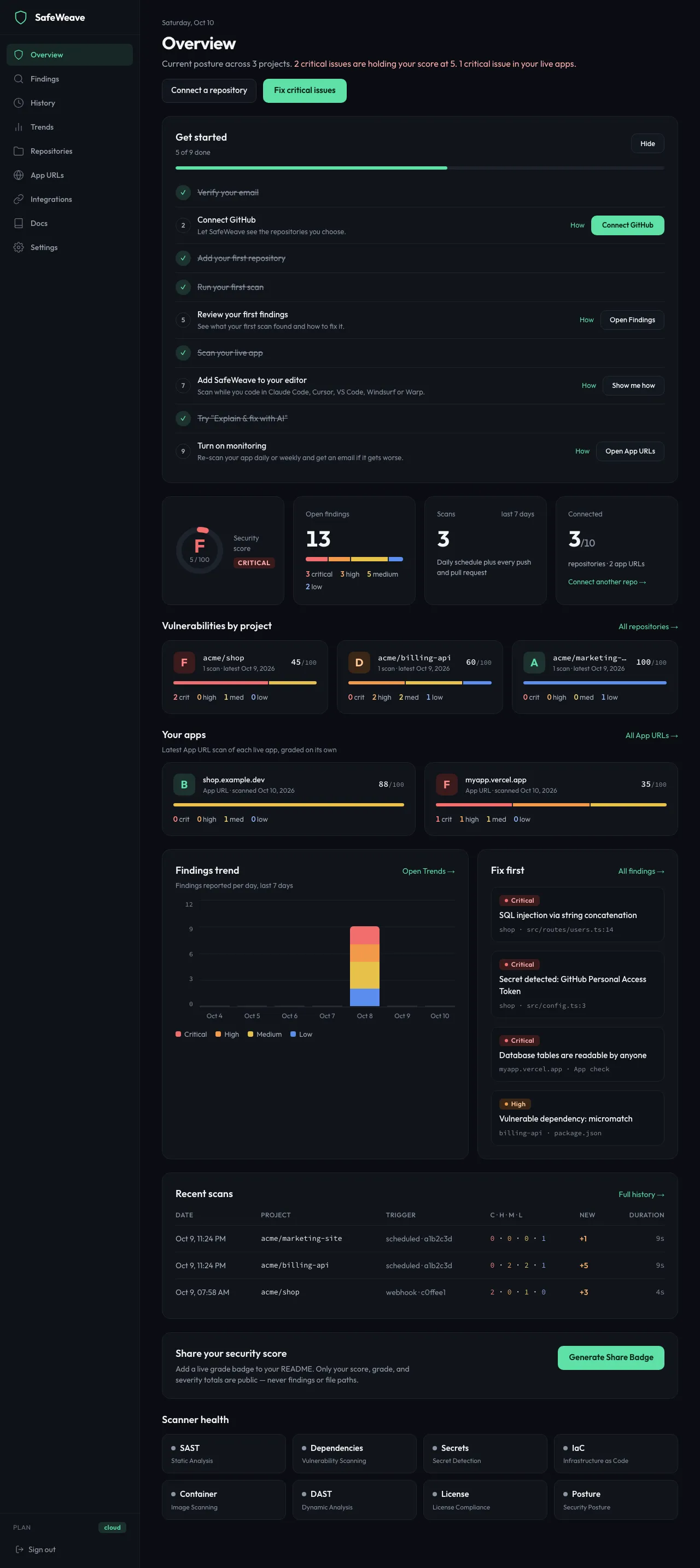
The dashboard at safeweave.dev is where you see your grades, fix findings and manage your account. The sidebar on the left takes you to each page. On a phone, tap the menu button at the top to open it.
Who gets it
Every plan. Pages that need Cloud say so and offer Start 14-day free trial.
How to use it
Overview
Your security at a glance.
- Get started: your checklist of first steps, until you finish or hide it. See Your Get started checklist.
- Security score, Open findings, Scans (last 7 days) and Connected (repositories and app URLs).
- Vulnerabilities by project: each repository's grade.
- Your apps: your latest App URL scan of each app.
- Findings trend: findings per day over the last 7 days.
- Fix first: the critical and high findings to start with.
- Recent scans and Scanner health.
- Share your security score: click Generate Share Badge for a badge you can add to your README.
The main button at the top changes with what needs doing: Fix critical issues, Fix app issues or View findings.
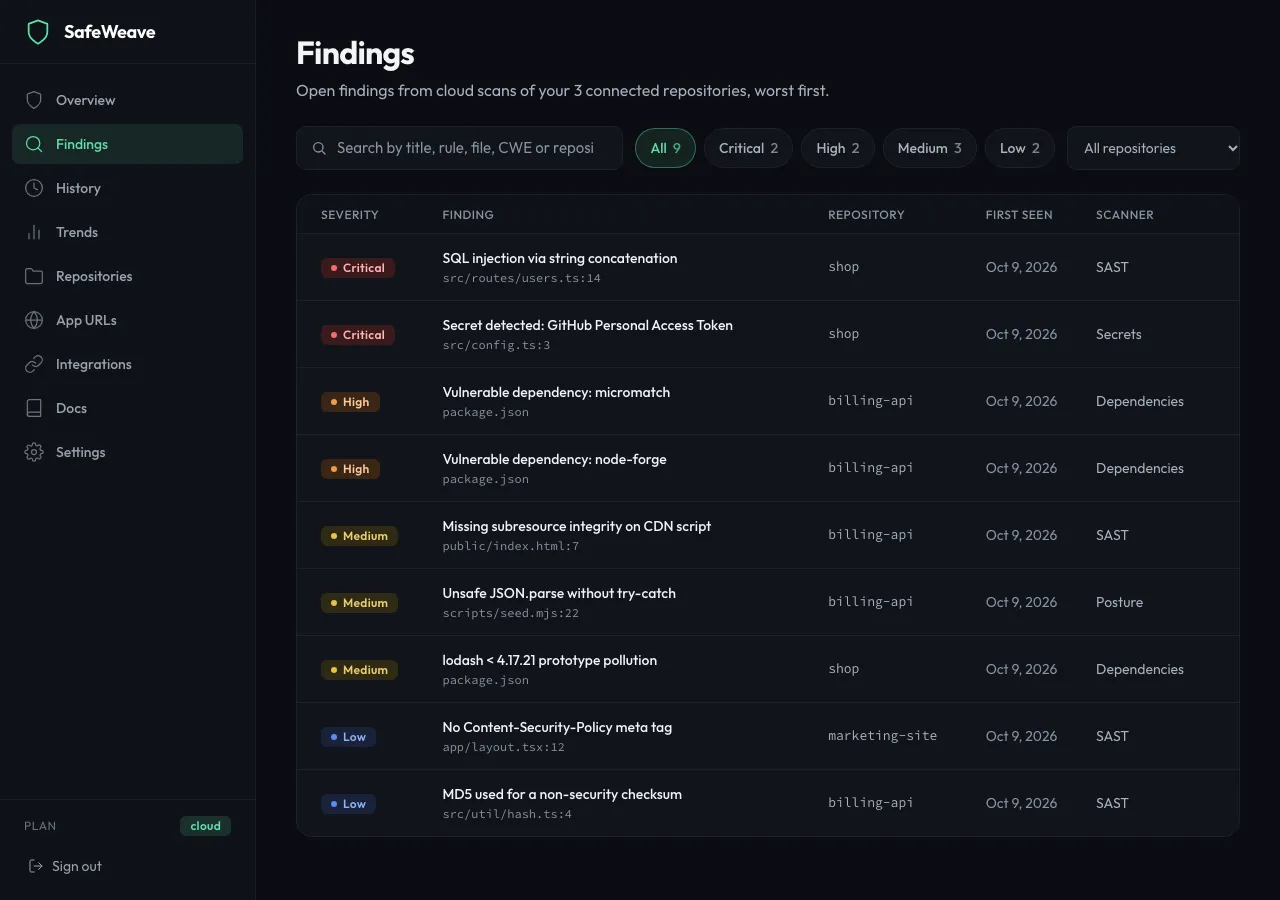
Findings
Every open finding across your repositories, worst first, with search and severity filters. Click a row to open it. See Reading your results.
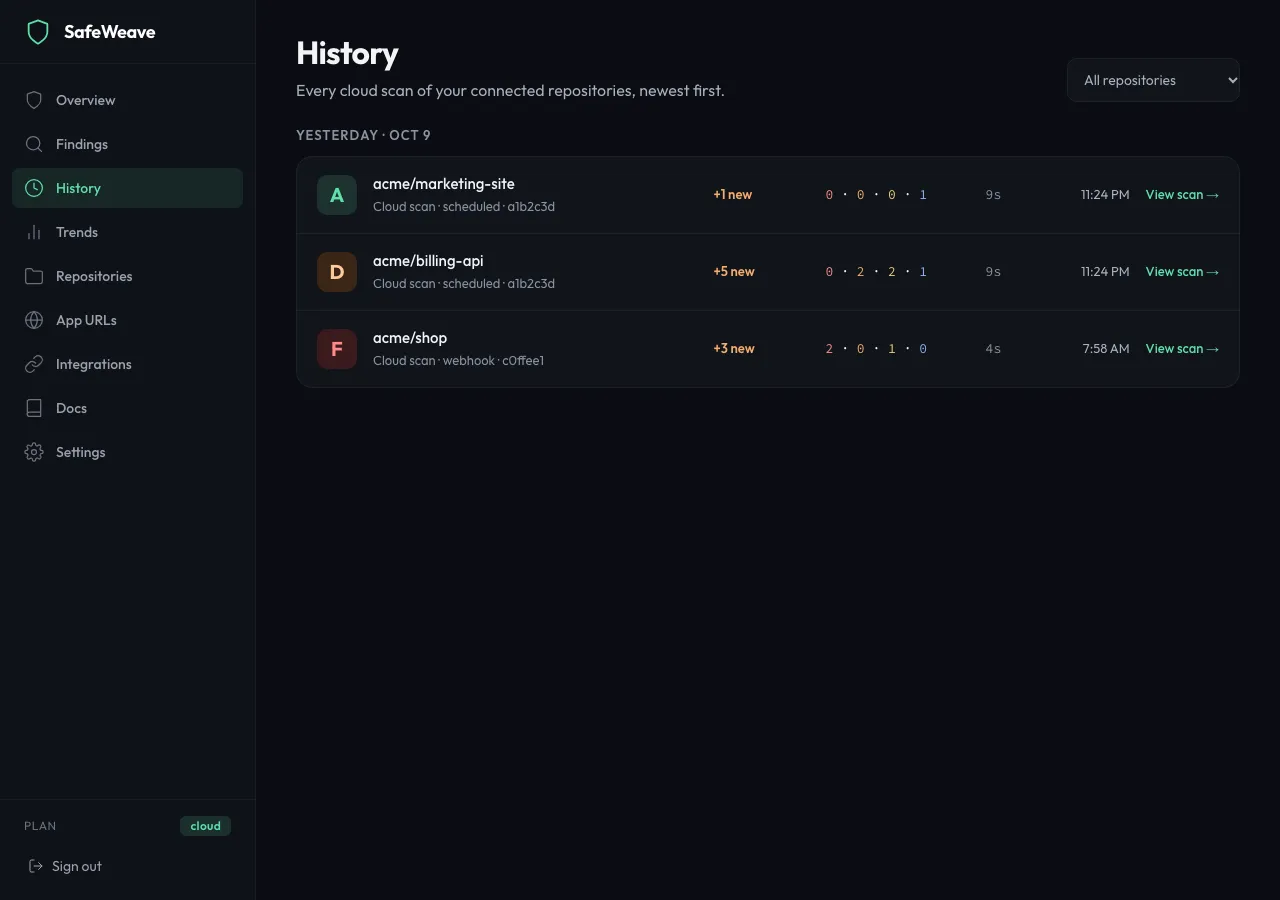
History
Every scan, newest first, grouped by day. Choose a repository to narrow the list, and click View scan → to open one.
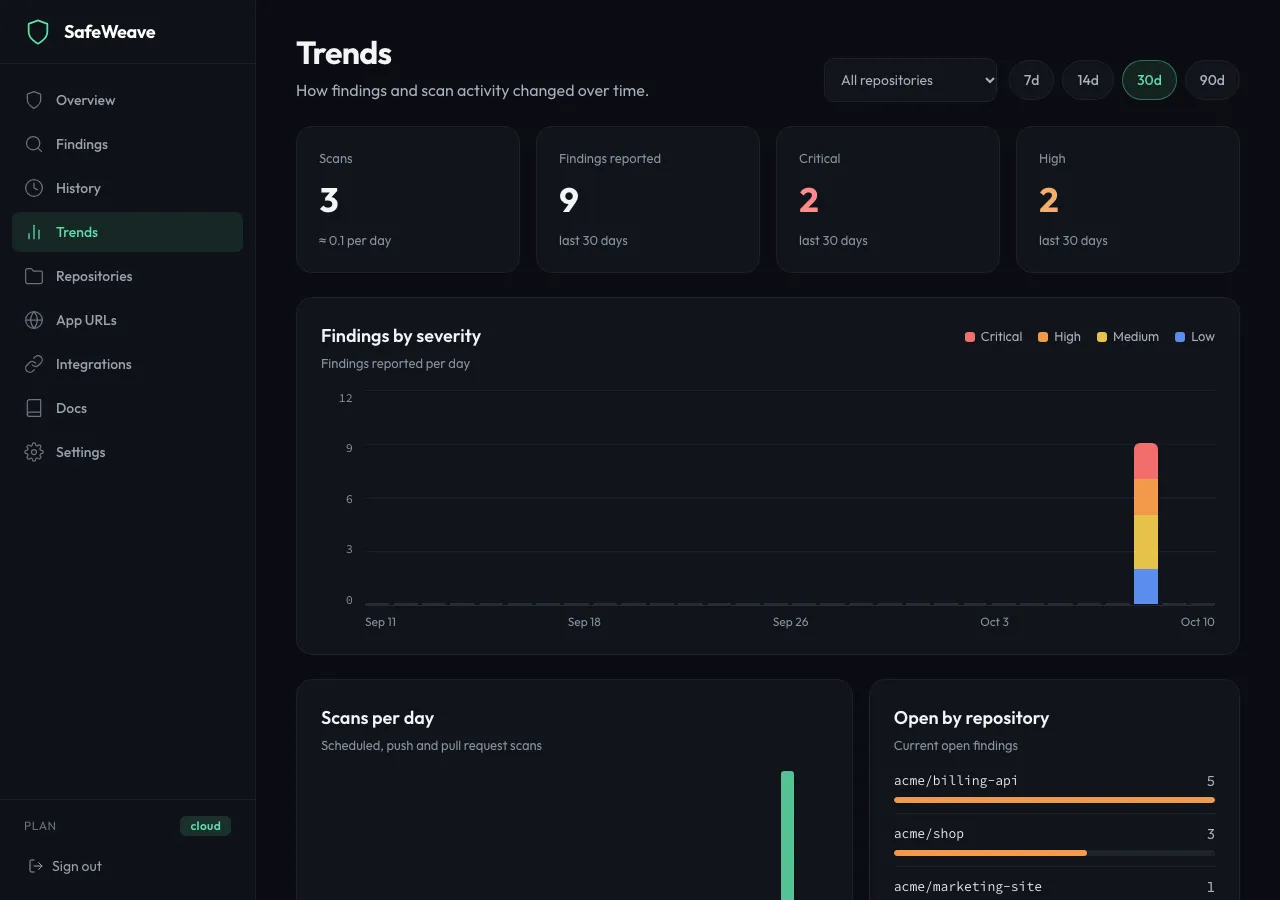
Trends
Charts of findings by severity, scans per day and open findings by repository, over 7d, 14d, 30d or 90d.
Repositories
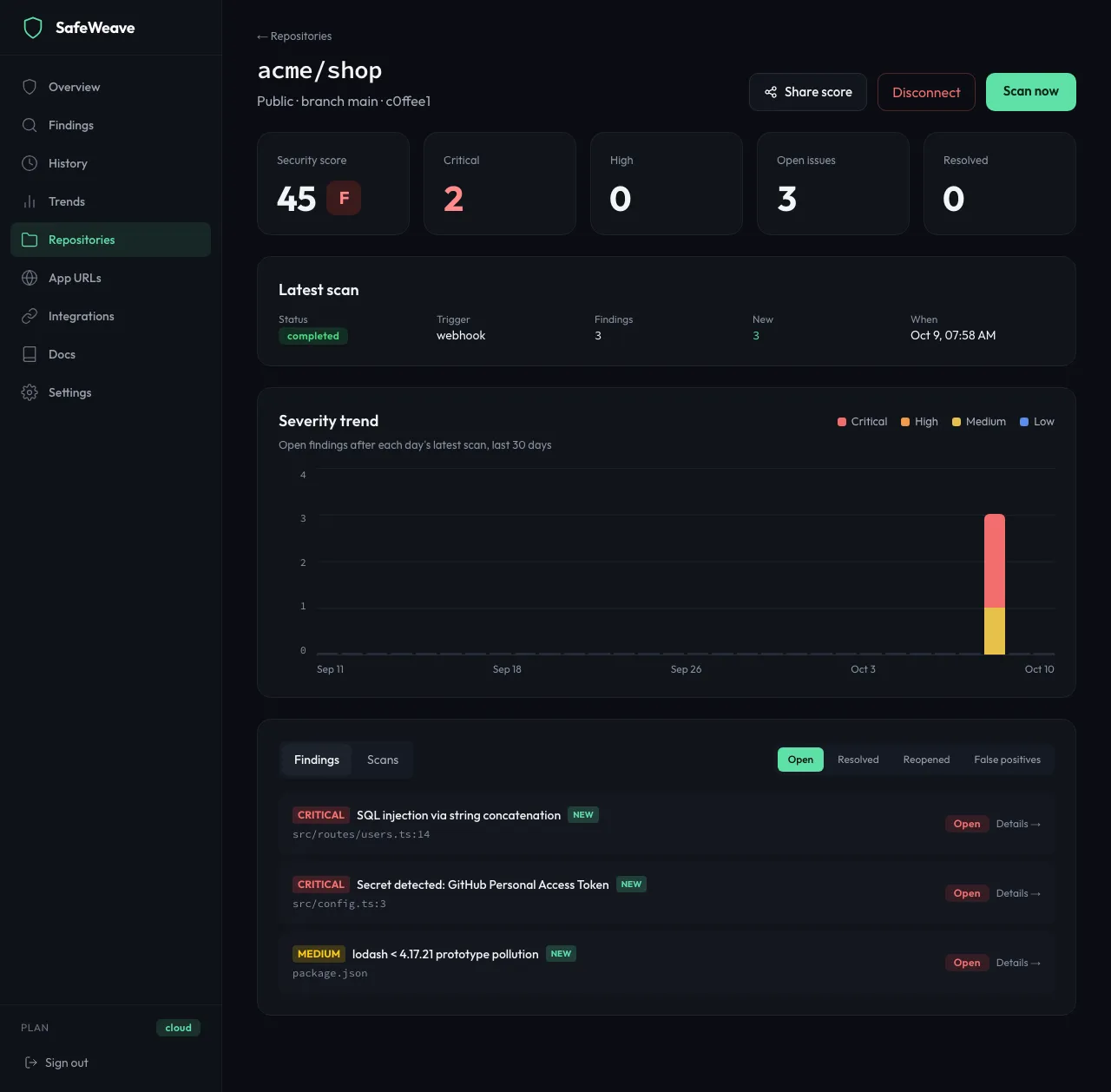
Your connected repositories with their status, Scan now and Connect repository. Click a card to see its score, latest scan, severity trend, findings and scans. On a repository page, Share score lets you post the grade to X or LinkedIn, copy a link, or copy a README badge. See Connect GitHub and add repositories.
App URLs
Your monitored apps and recent App URL scans, and Scan an app URL. See App URLs.
Integrations
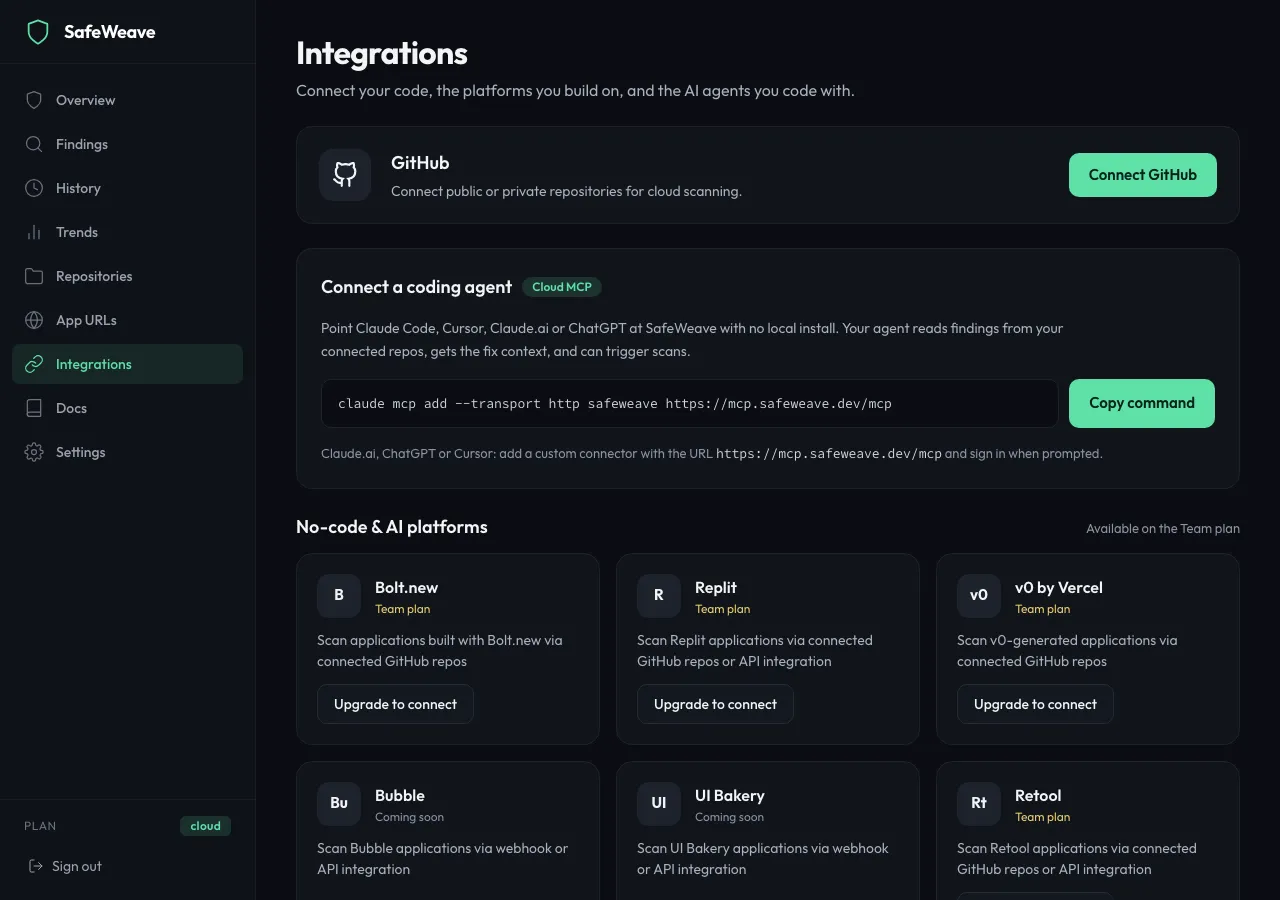
- GitHub: connect, disconnect, or click Manage repositories.
- Supabase (Cloud and Cloud Plus): connect Supabase and choose projects to monitor. See Supabase.
- Connect a coding agent: the command to add SafeWeave to Claude Code, Cursor, Claude.ai or ChatGPT with no install. Click Copy command. See Cloud MCP.
- Apps built with AI builders: how to scan apps from Lovable, Bolt.new, v0, Replit, Base44, Retool, UI Bakery and Bubble, with buttons to connect the repository and scan the live URL. See Apps built with AI builders.
Settings
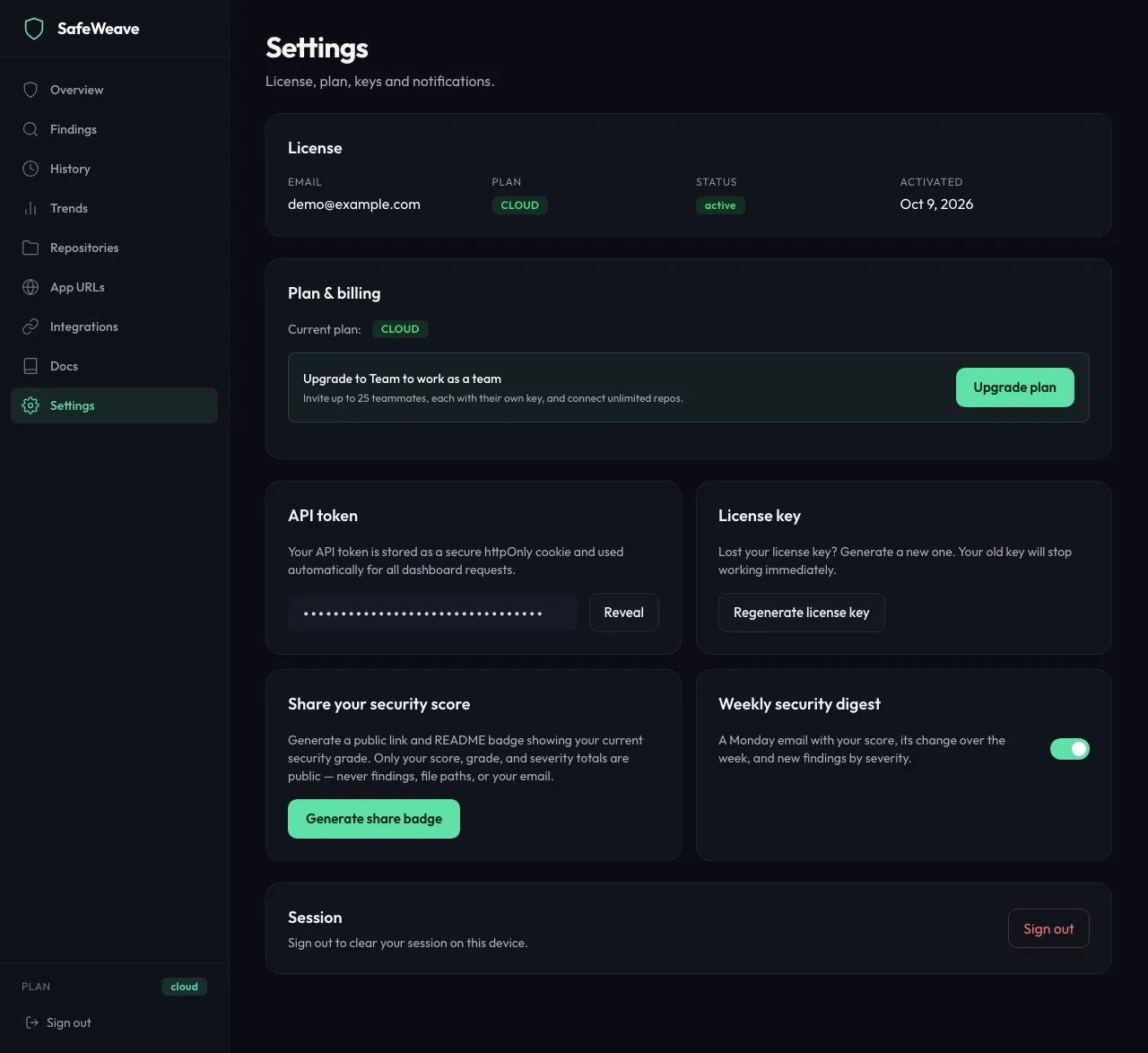
- License: your email, plan and status.
- Plan & billing: Upgrade plan or Cancel subscription. See Choosing a plan.
- Teammates (Cloud Plus): invite and remove people. See Working as a team.
- License key: Regenerate license key. See Your account.
- Share your security score: Generate share badge, copy the public page or README markdown, or Disable public sharing.
- Weekly security digest: the switch for your Monday email.
- Session: Sign out.
Docs and Upgrade Plan
Docs opens this documentation. Upgrade Plan (Free) opens the plans page.
What you'll see
Your plan is shown at the bottom of the sidebar next to Plan. On Free, a banner at the top of each page reminds you what Cloud adds; click × to dismiss it.
Limits
Public share pages and badges show only your score, grade and severity totals: never findings, file paths or your email.
If something goes wrong
- A page says "Resource not found.": the repository or scan was disconnected or removed. Go back to Repositories.
- You're sent to the sign-in page: your session ended. Sign in again.